A 2017 study discovered that 76% percent of deep sea creatures within a two-mile ocean depth are bioluminescent, and they may hold answers to long-standing issues including cancer treatment.
“People think biolusminescence is some kind of exotic characteristic,” said Séverine Martini, a marine biologist and lead author of the study, published this year in Scientific Reports. “Even oceanographers don’t realize that it’s common.”
UI Development
Colors
Because of the fluidity of water and light, I was drawn to the use of gradients. I primarily used a light green and blue color scheme, since it is mostly blue & green light that can travel through water due to their shorter wavelengths.
Blue Gradient
Seafoam Gradient
#28314f
#64acf8
#b3b3b3
Iconography
Home
Learn
Aquarium
Dive Zone
Directional
Complete
Close
Illustrated Species
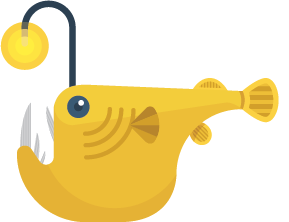
The biggest draw of SeaLight is the gamification of discovering bioluminescent sea creatures, so I needed to create effective and compelling illustrations for each of these very unique deep-sea dwellers.
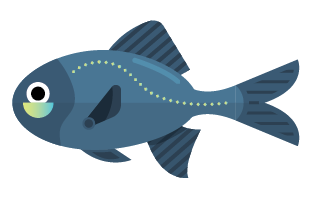
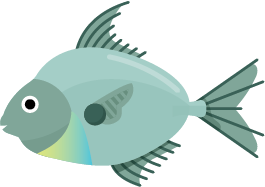
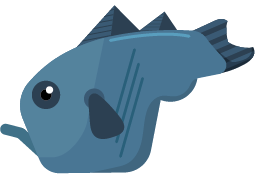
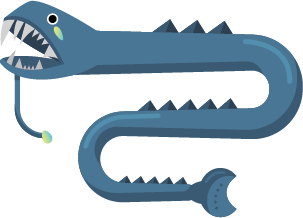
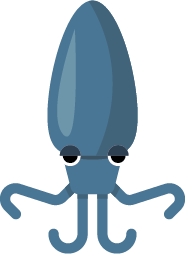
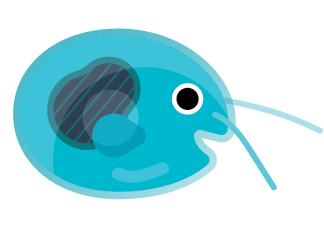
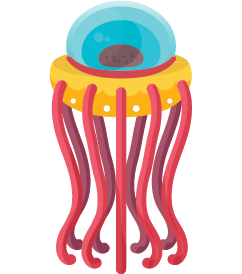
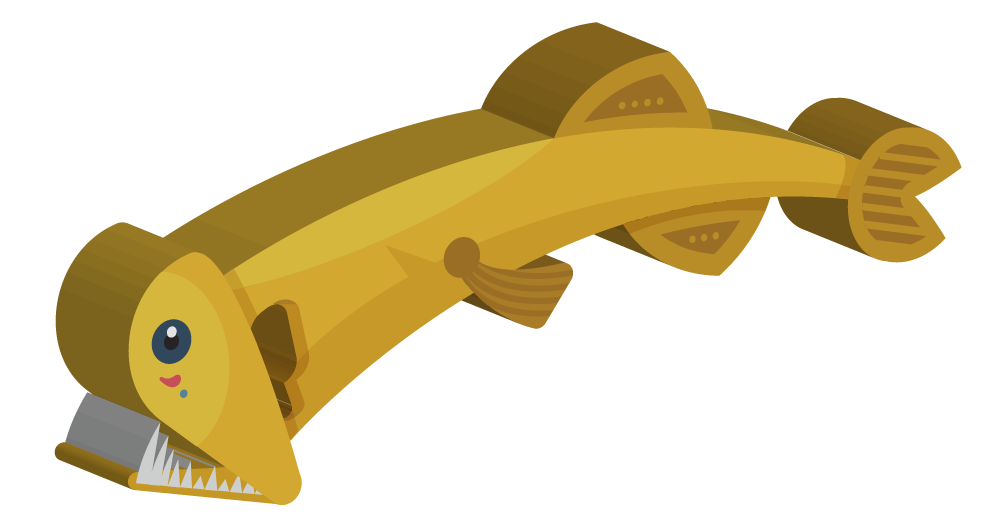
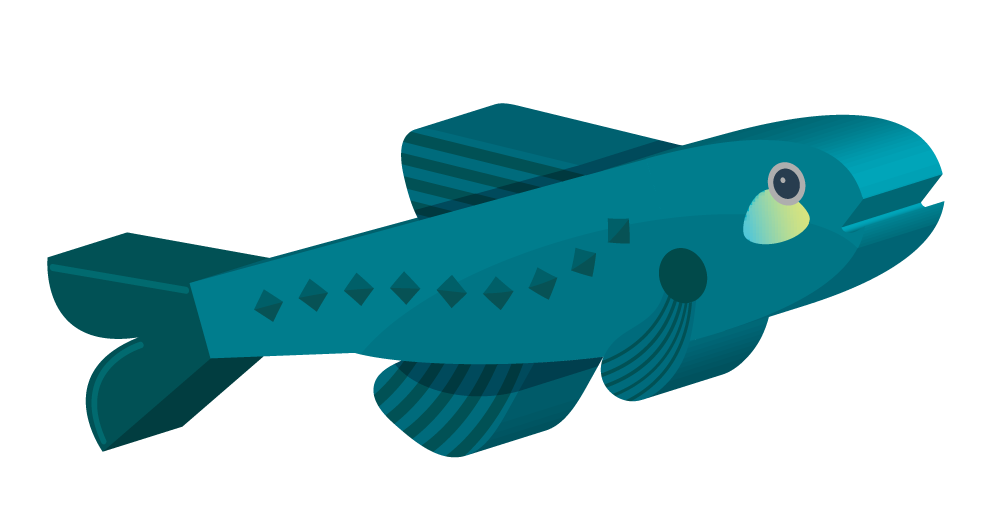
I researched dozens of species and chose 16 to include in the first release of SeaLight. I then compiled reference photos of each, and got to work illustrating in a flat design style that used shadows, highlights, and patterns on each fish to emphasize the bioluminescence of each organism.
Anglerfish
Flashlight Fish
Ponyfish
Brittle Star
Lanternfish
Hachetfish
Black Dragonfish
Stoplight Loosejaw
Parapandalus Shrimp
Bamboo Coral
Hawaiian Bobtail Squid
Firefly Squid
Comb Jelly
Ostracod
Tomopteris
Atolla Jellyfish
AR Models
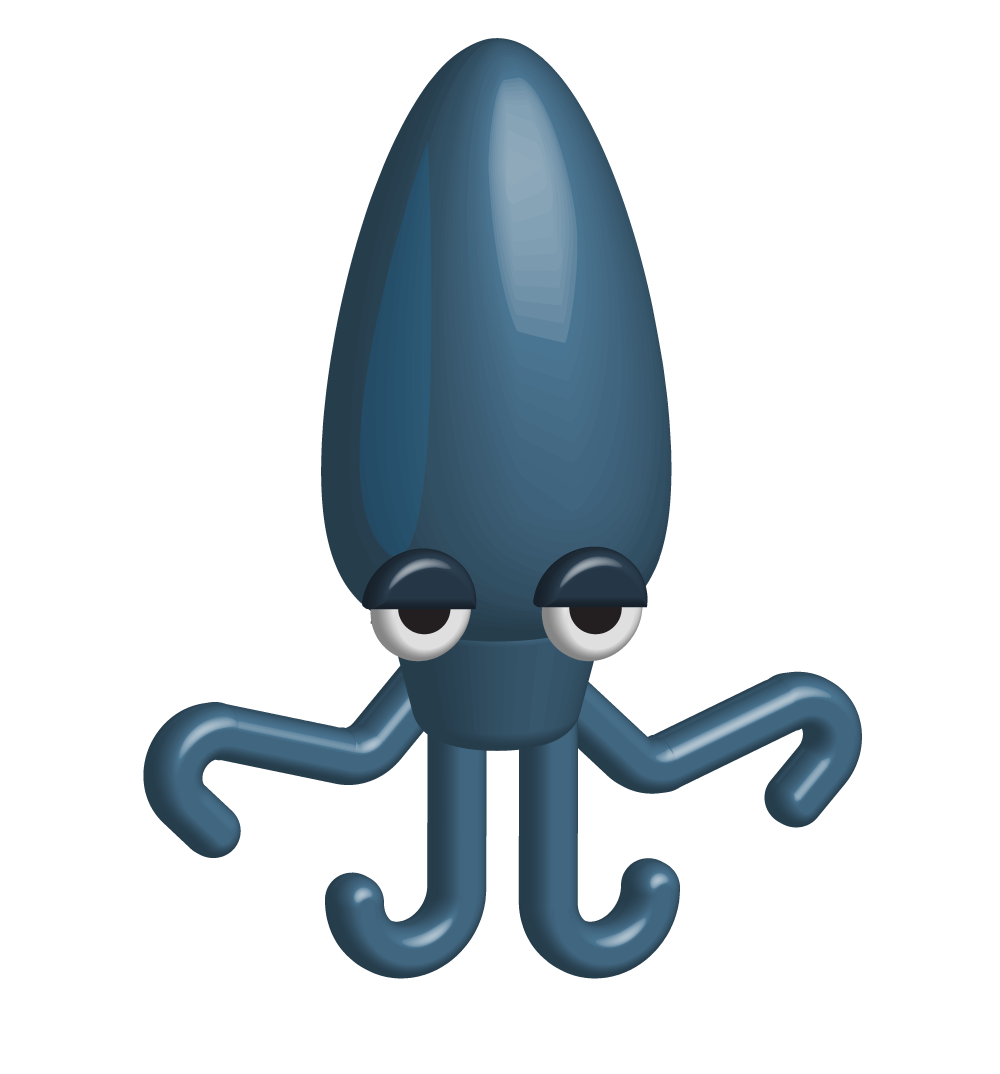
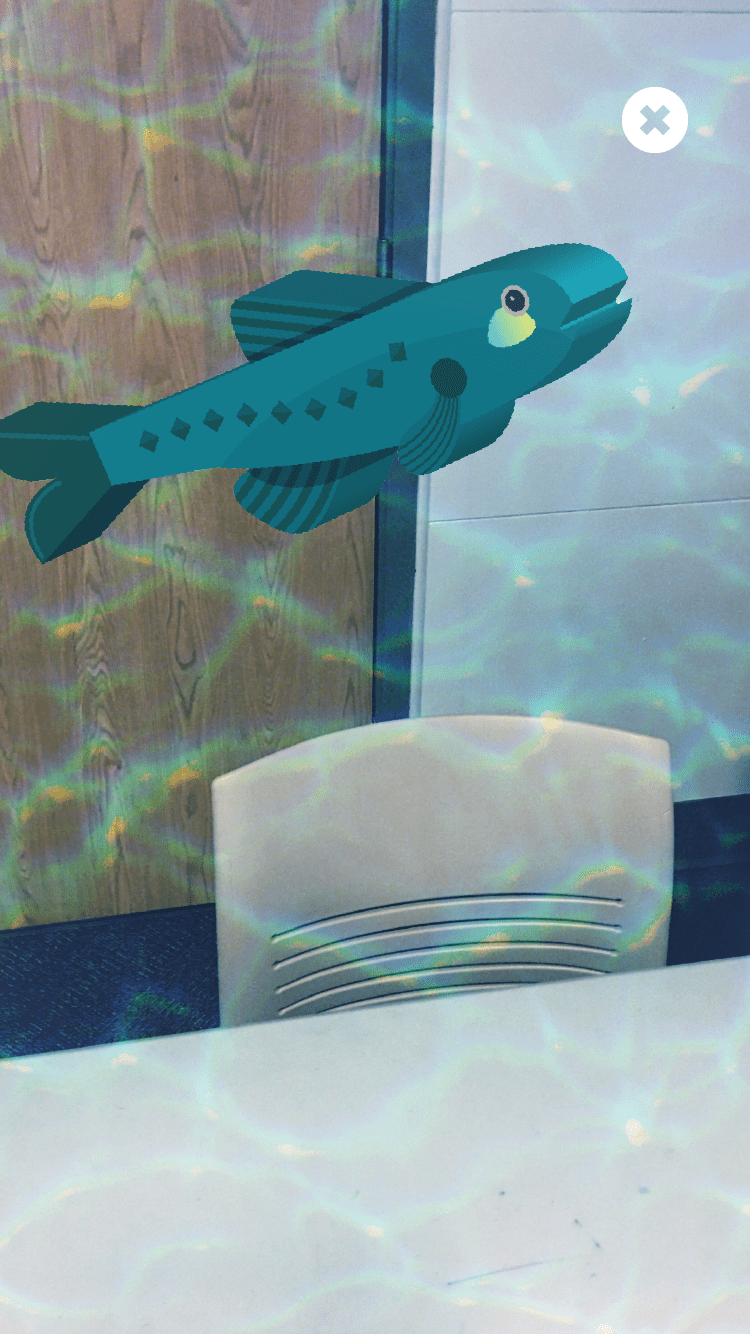
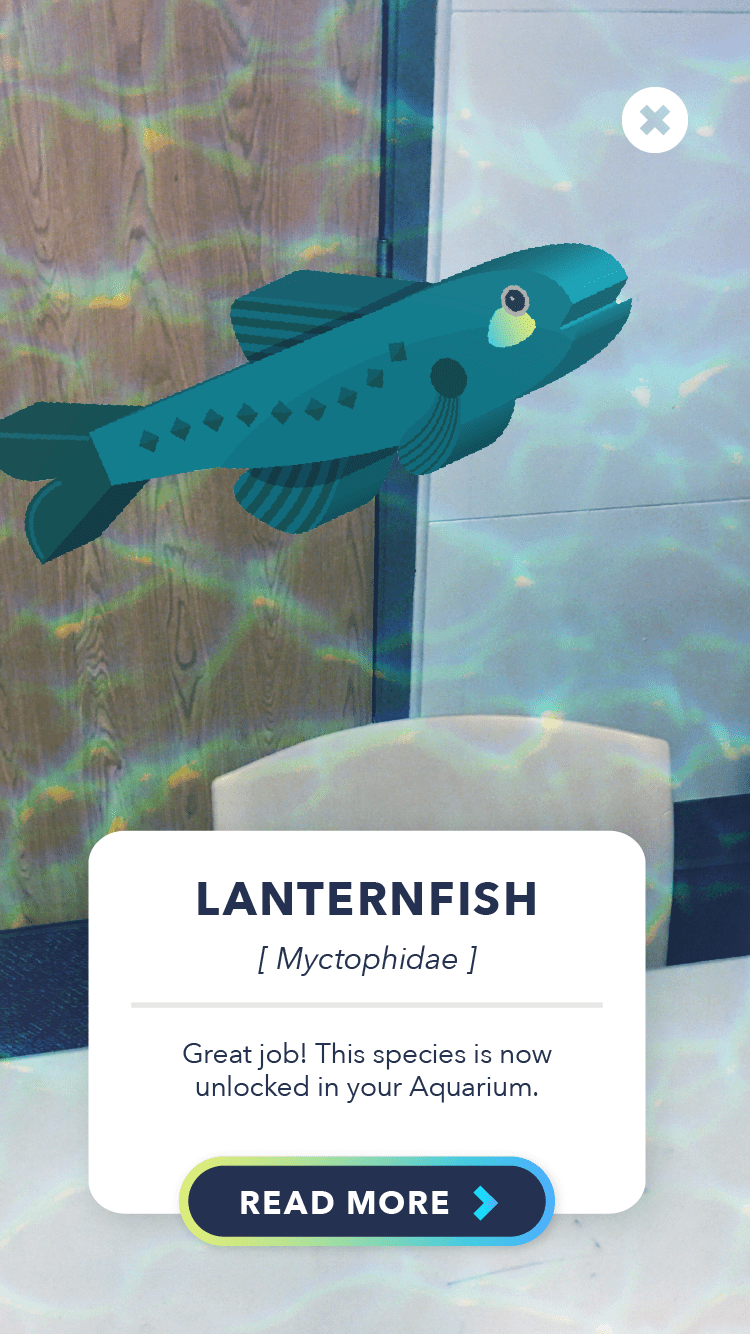
After illustrating all 16 species, I chose 4 of them based on variety of form and classification to turn into 3D models that would be displayed in the AR tab of the app.
I used a combination of blocky and round extrudes in Illustration to build simple and distinct models from the illustrations, which gave them a friendliness and endearing feel similar to Roblox models.
Interface Screens
Onboarding
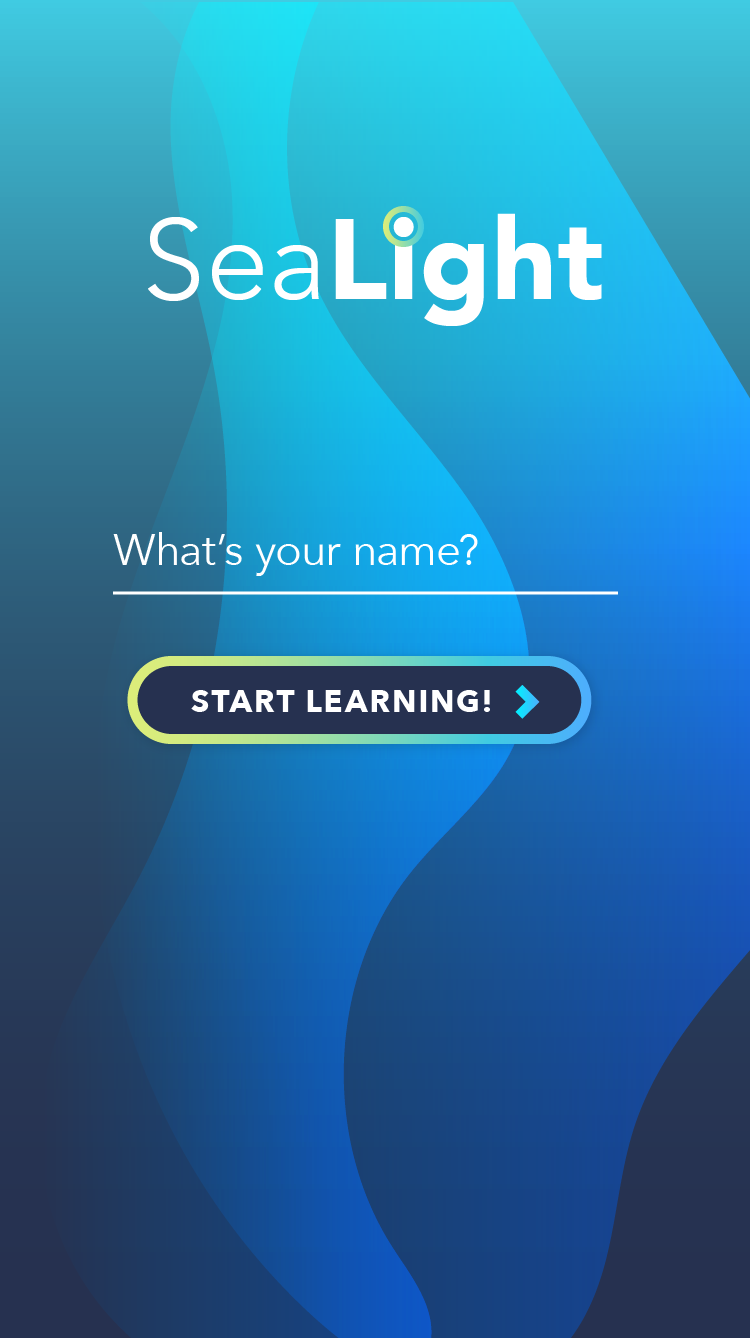
I kept the onboarding process as simple as possible – almost non-existant – to prevent barrier from entering the app. The only step is for the user to enter their name, allowing commands in the app to be customized to the individual's name.
Splash Screen
Registration
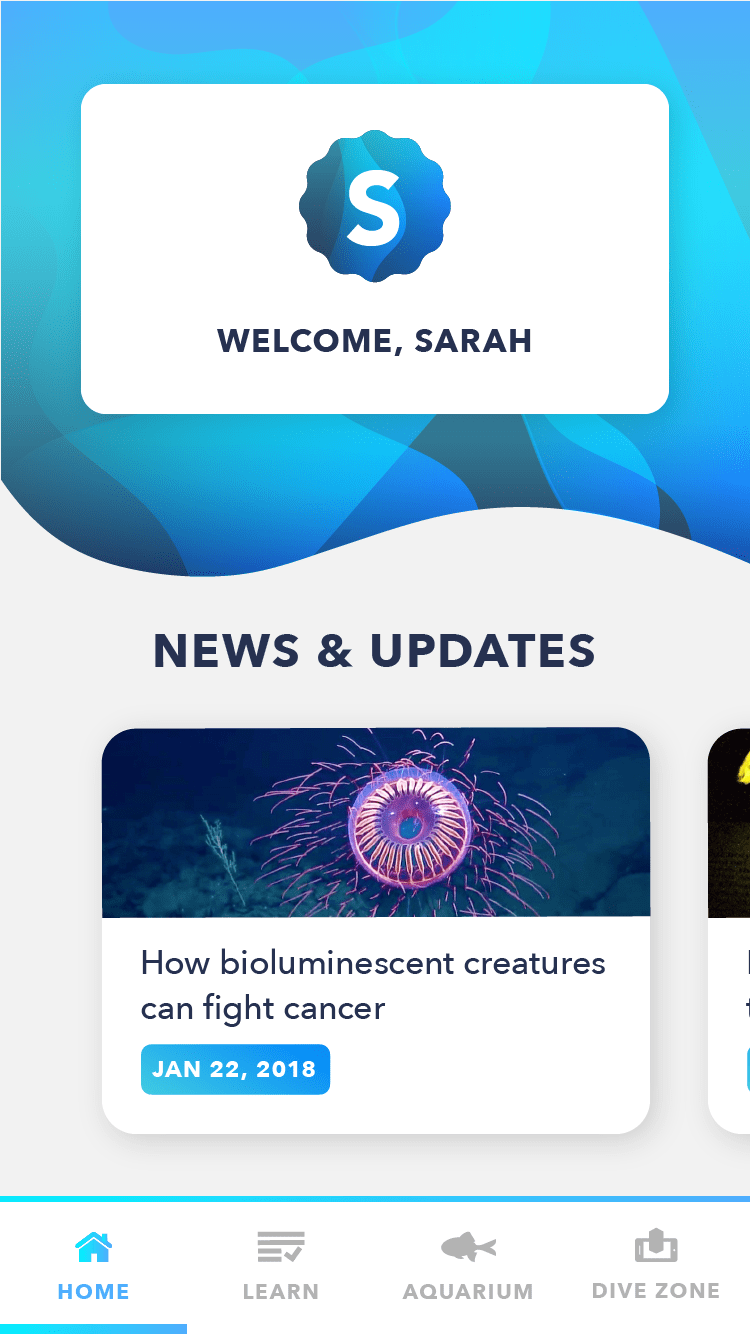
Home Tab
The Home tab is one of 4 content sections; it is the default tab that comes up when the app is booted, and displays a welcome card with the user's name along with a feed of recent news and discoveries relating to bioluminescence. It is one of the most rapidly expanding scientific fields, and this section helps get users excited about the seemingly sci-fi uses that bioluminescence can be applied to.
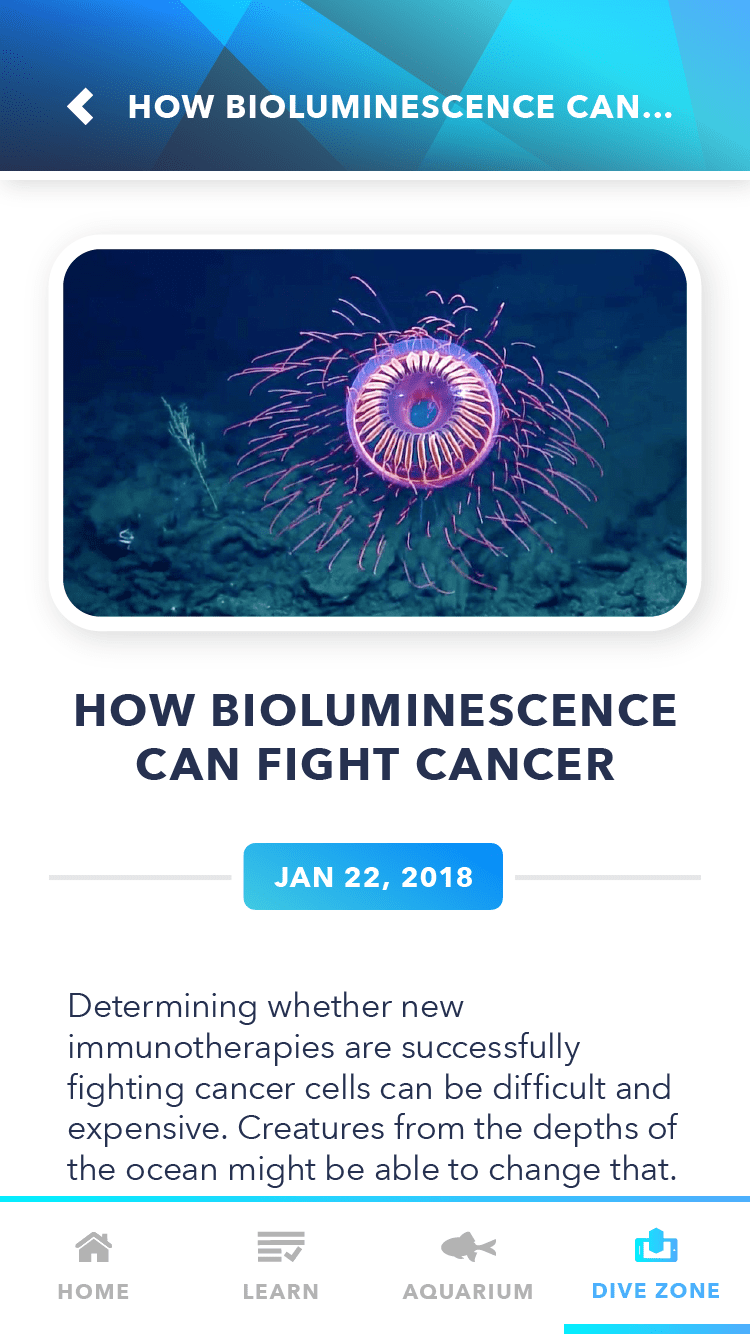
The stories are displayed in an image carousel, and can be tapped to go to an interior story page that includes a mini-story along with photos and animated GIFs. The content hierarchy is designed to be a short, digestible bit similar to others news update mobile apps.
News Carousel
Interior Story
Learn Tab
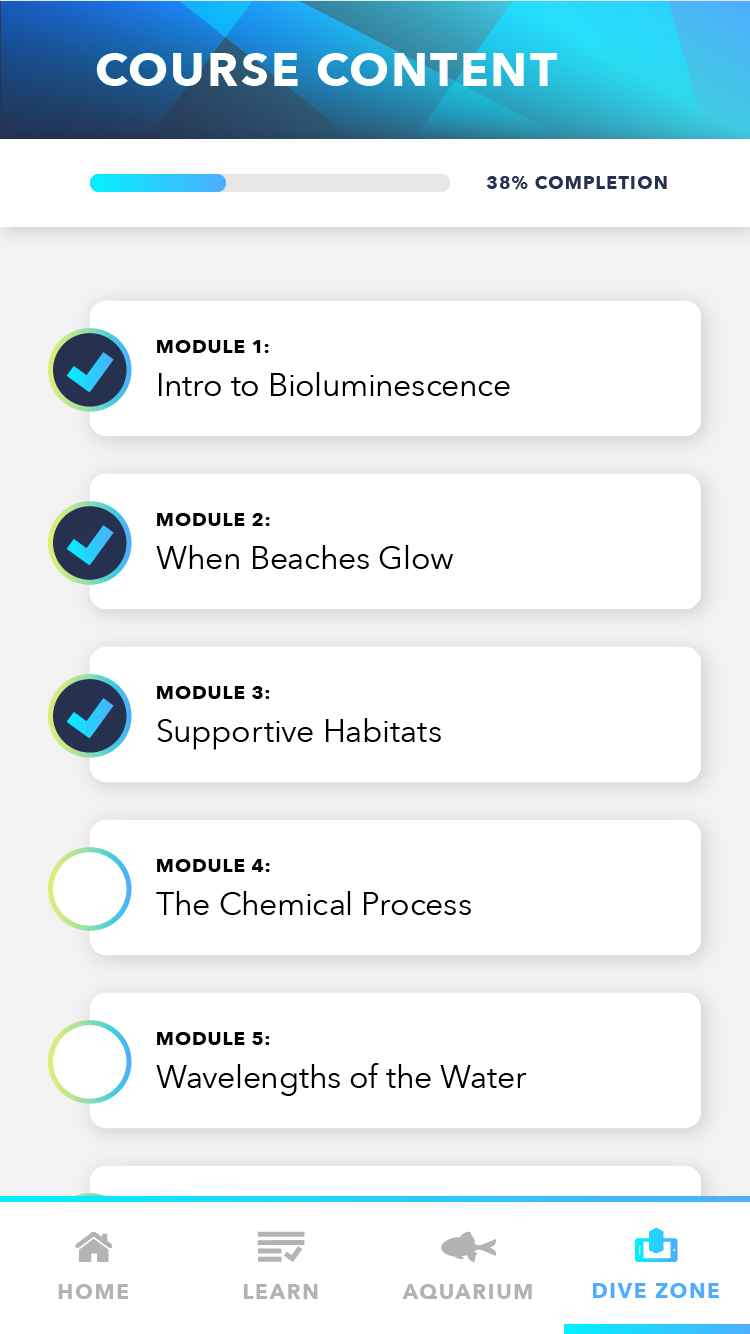
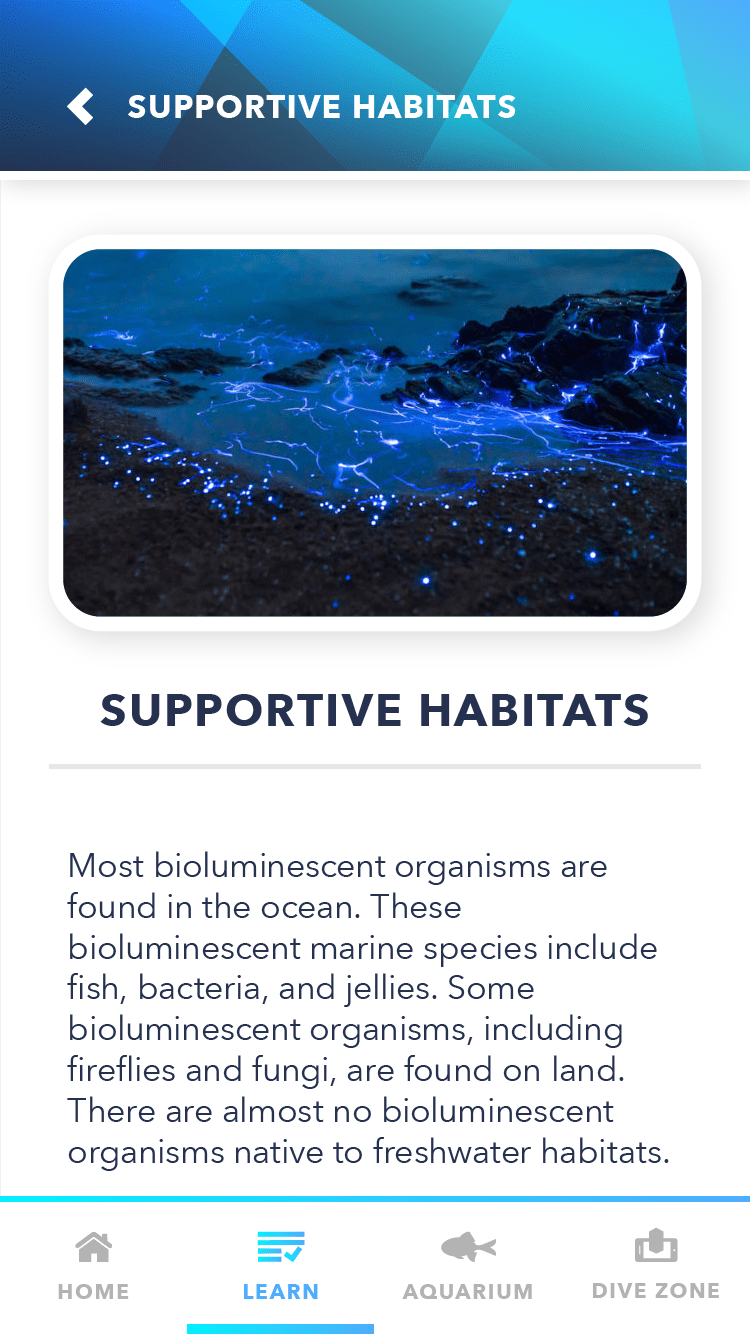
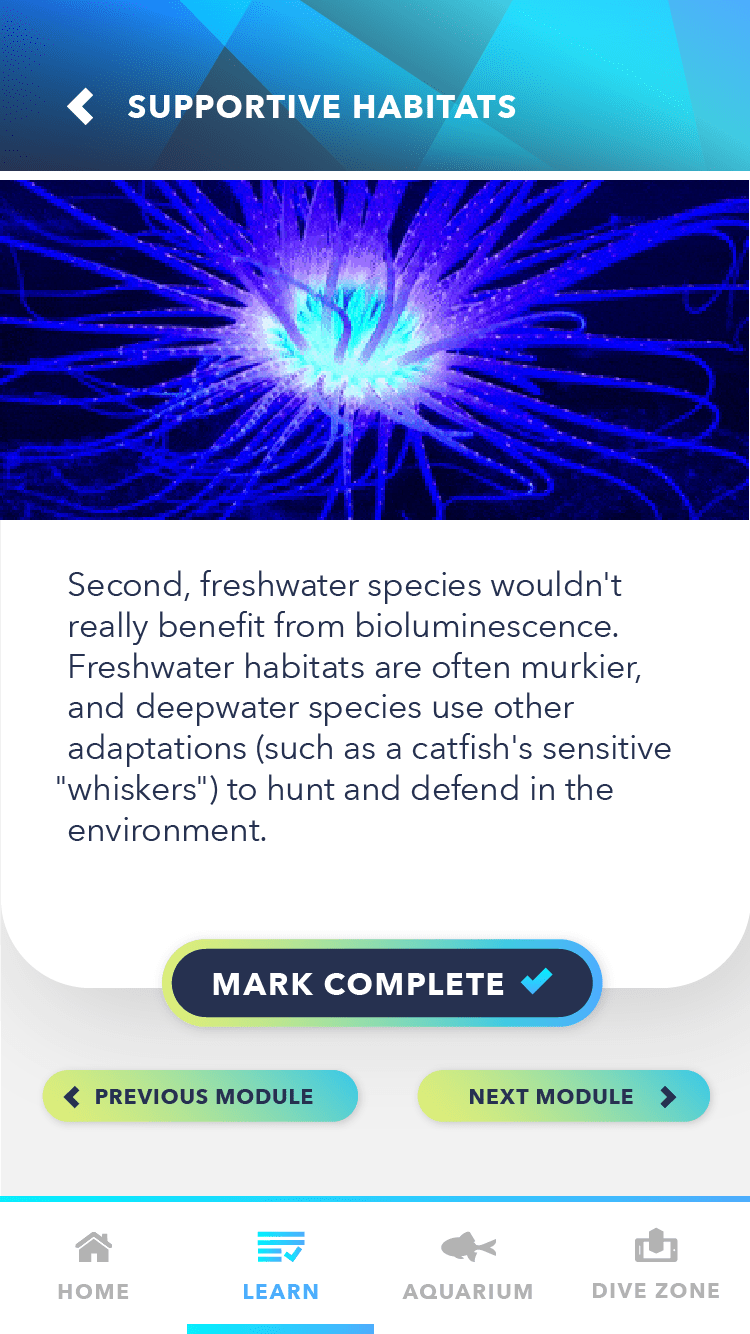
The Learn Tab includes a series of info modules that users can choose to read and complete if they want to dive deeper into the world of bioluminescence. After fully exploring a module, users can tap "Mark Complete" and then navigate backwards or forwards to other modules.
Module Screen
Interior Lesson
Lesson Transition
Aquarium Tab
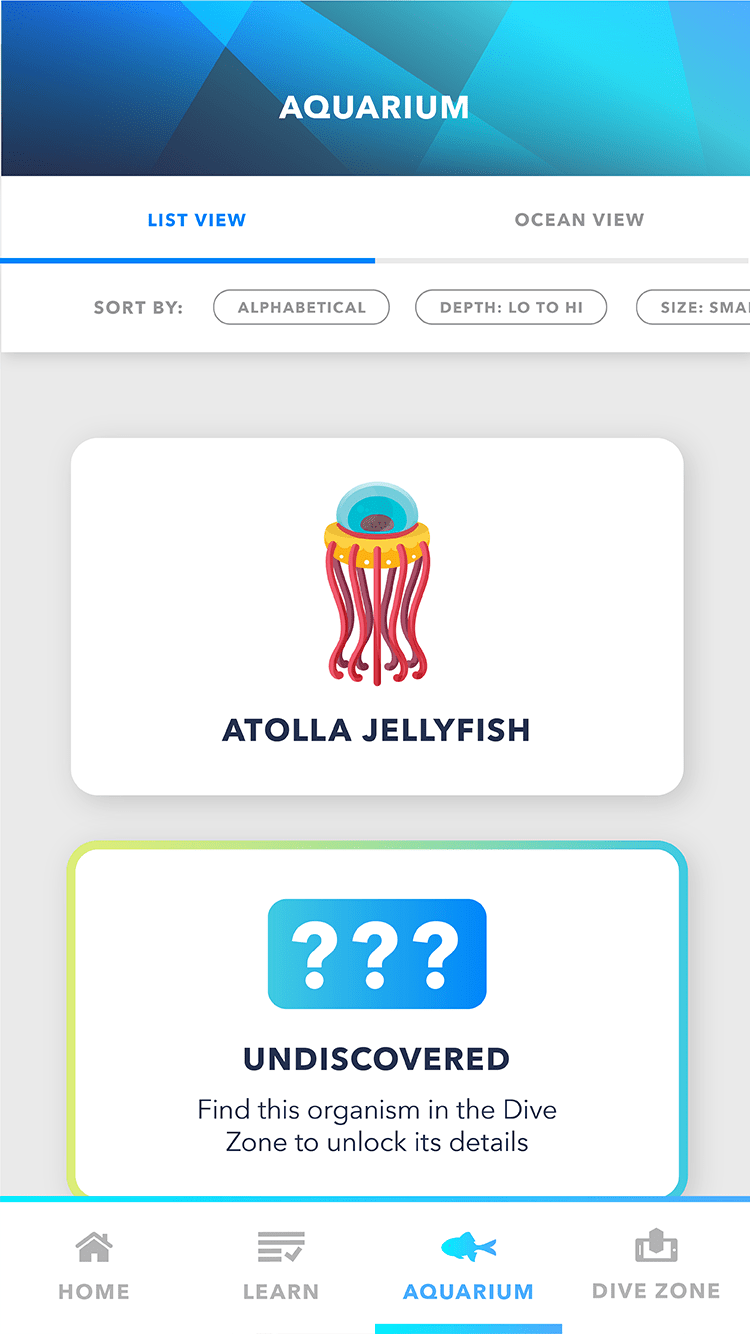
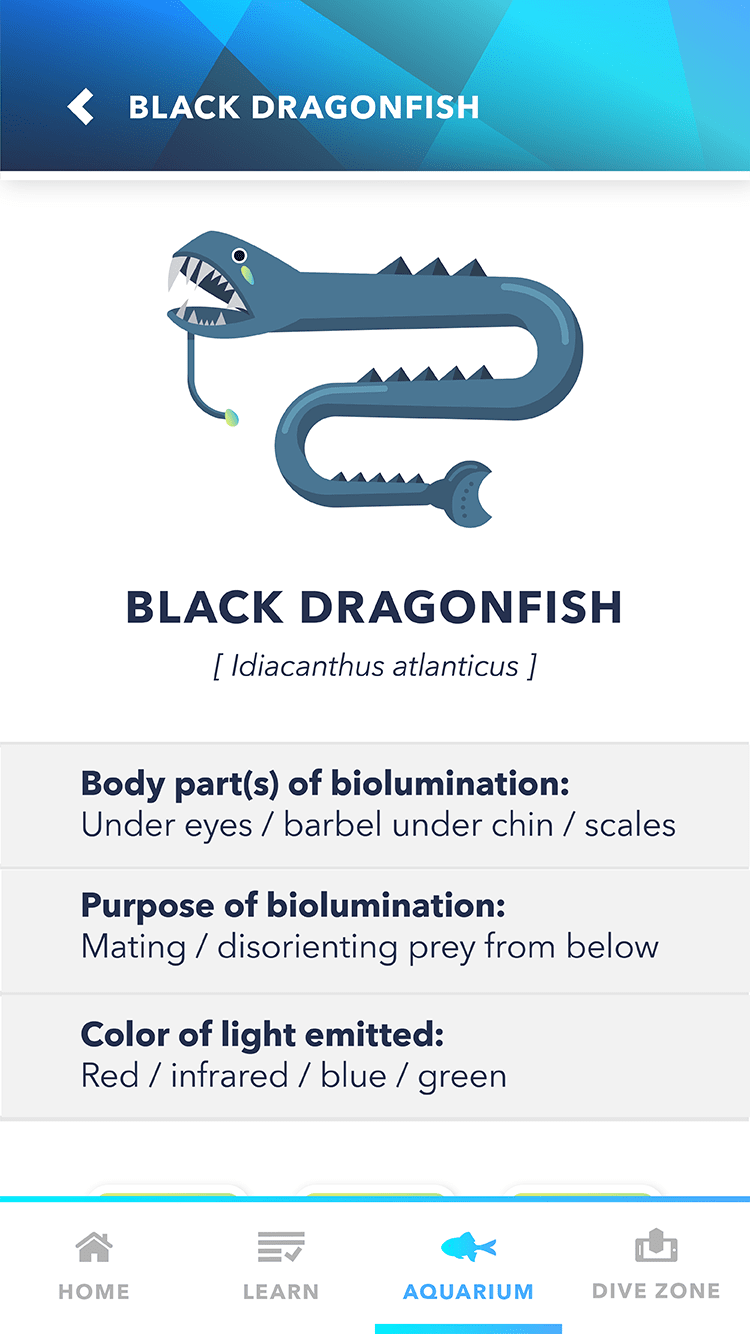
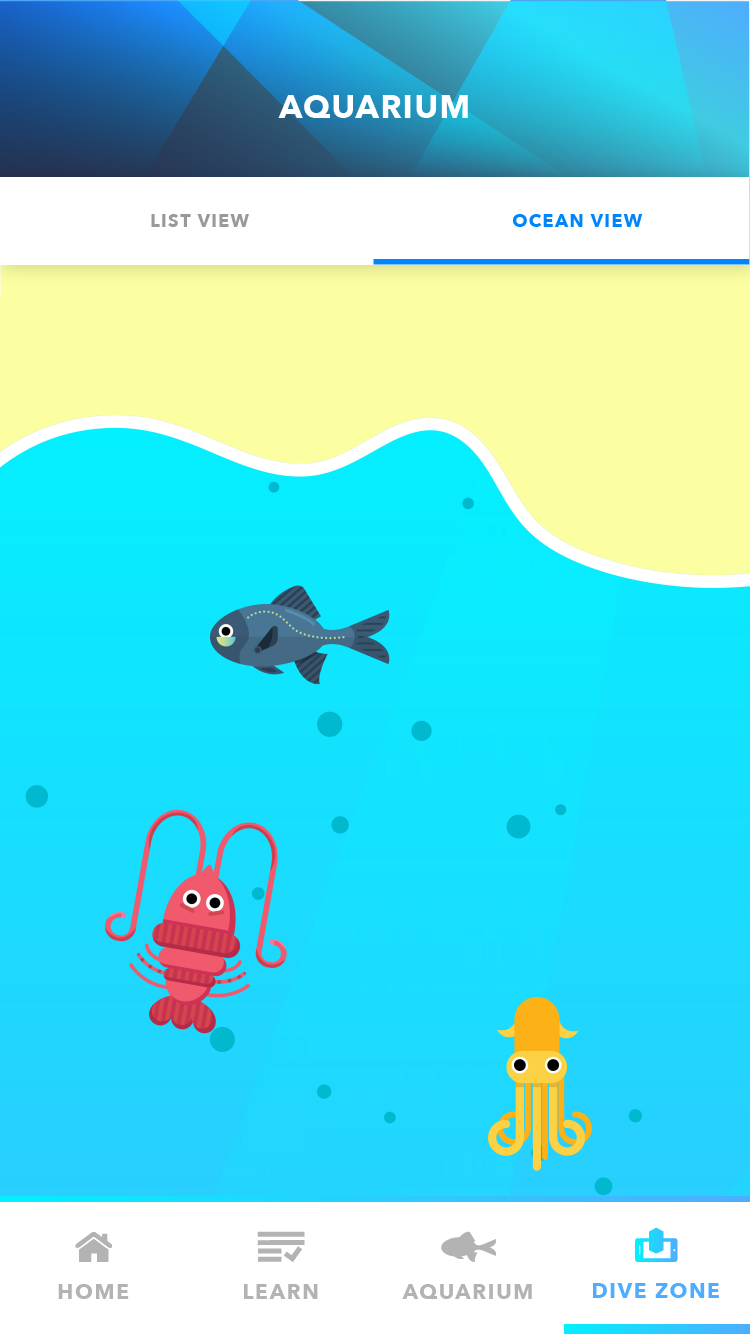
The Aquarium Tab is where a cast of bioluminescent creatures lives, each with a unique illustration and an invitation to learn more by clicking into their cards. The user can choose to sort the cards by different filters at the top, or they can choose to switch from List View to Ocean View – the latter includes a vertically scrolling ocean scene with the creatures swimming back and forth. Similarly, the user can tap on them from here to expand into the interior species profile.
To introduce the Augmented Reality feature of the app, I left several spots in the Aquarium tab for species cards to display as “Locked”, which, upon tapping them, would lead the user to the AR tab that allows the user to search for sea creatures in augmented reality to unlock them.
List View
Species Profile
Ocean View
AR Dive Zone
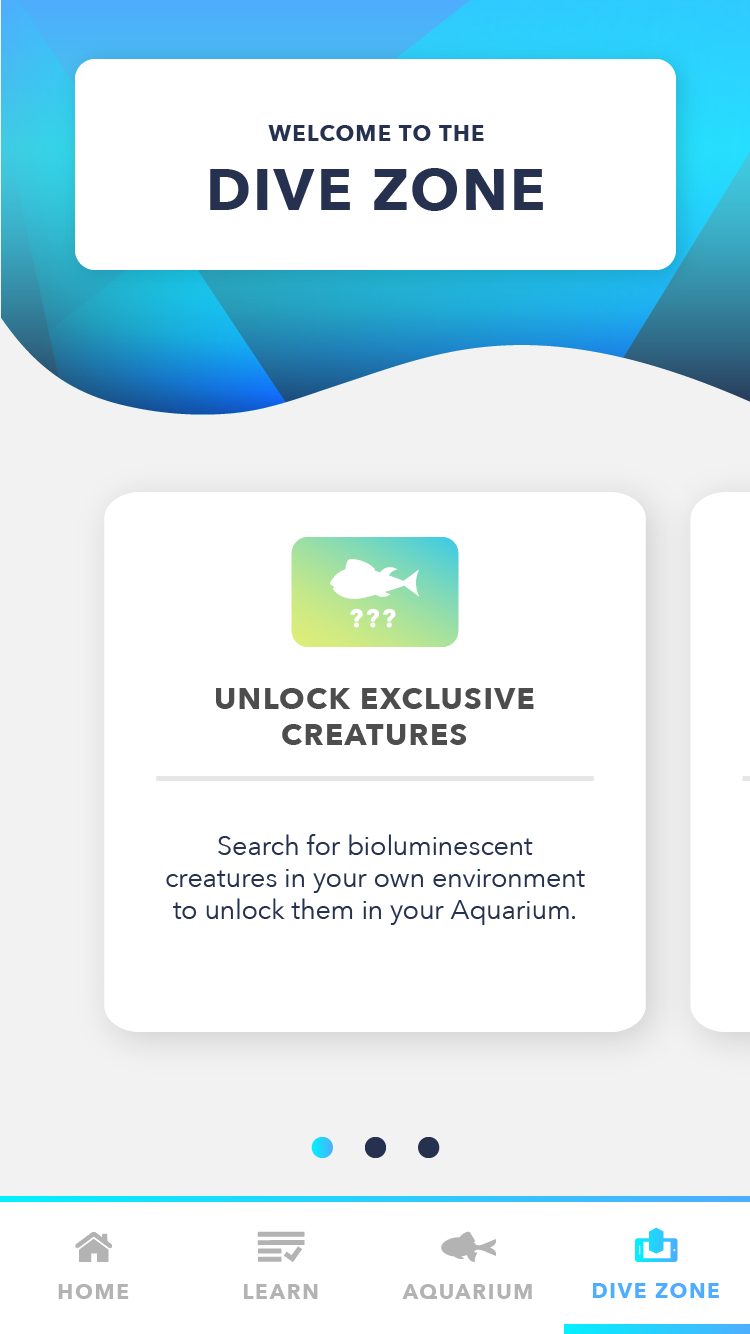
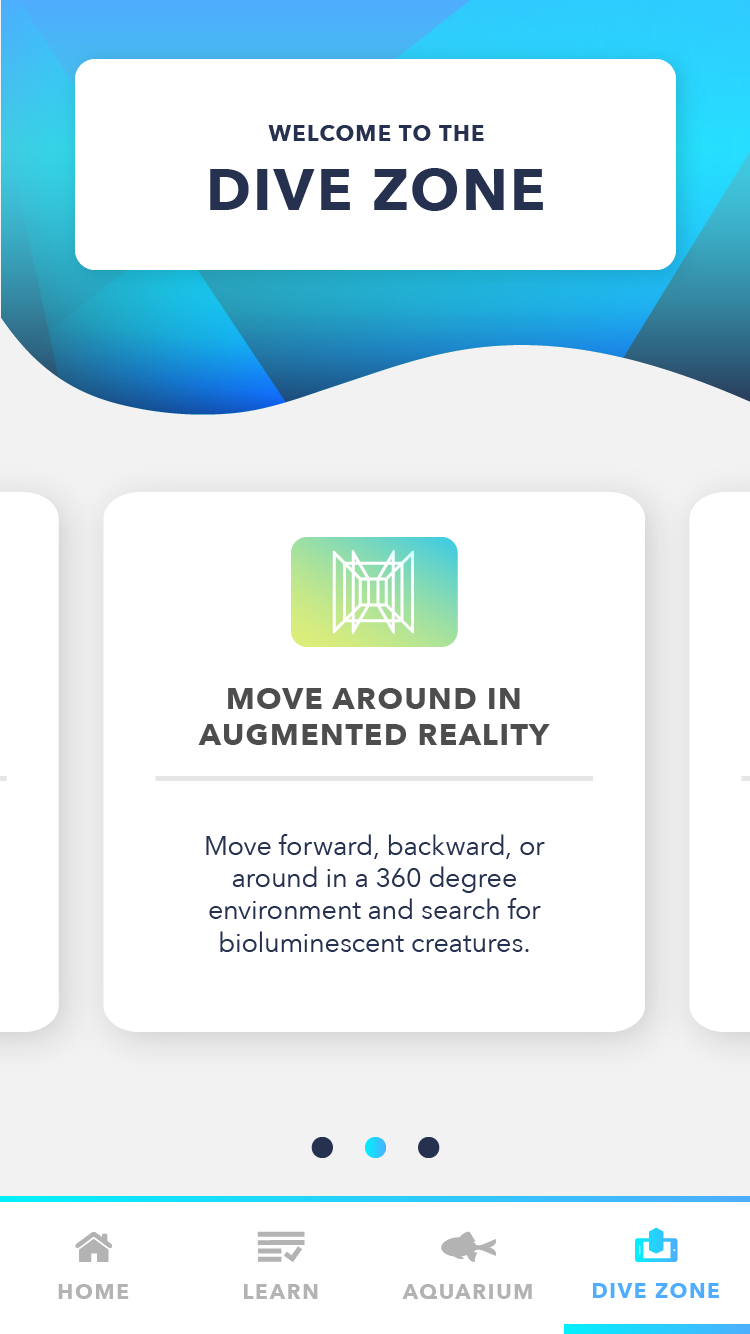
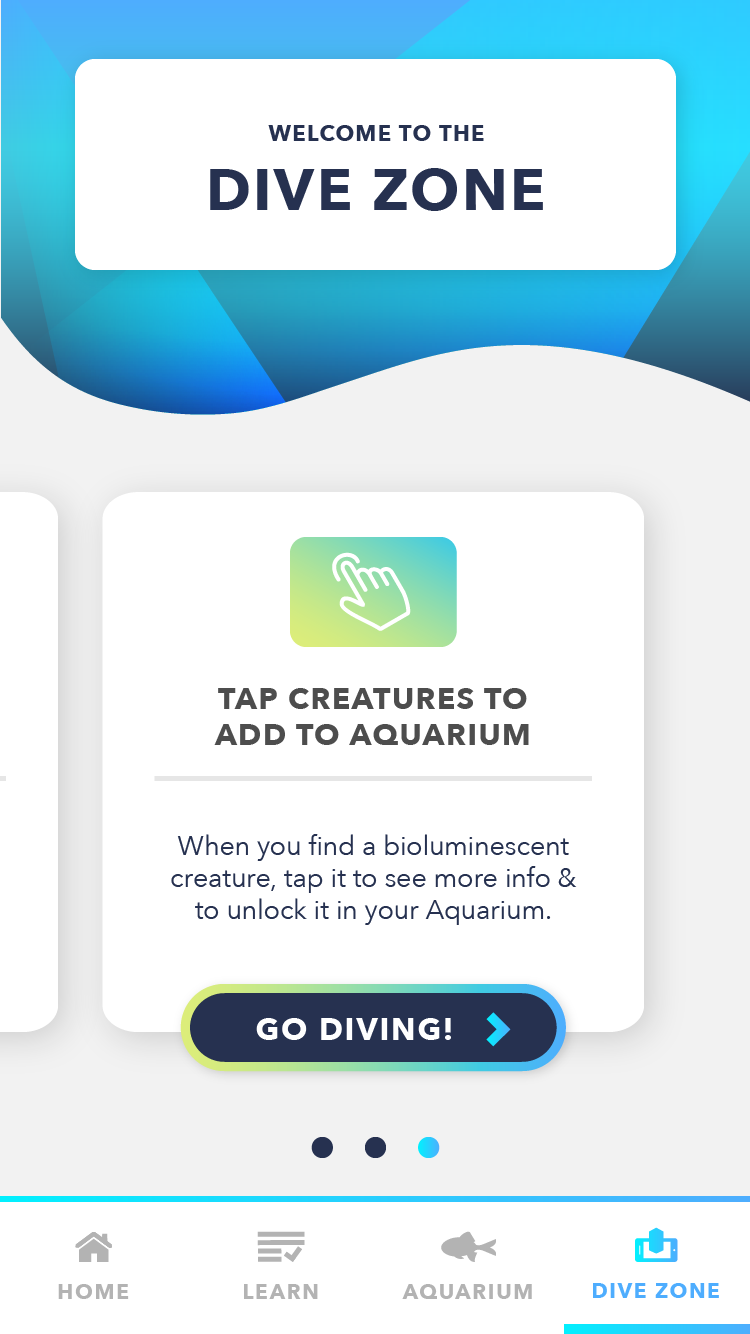
The Dive Zone Tab is the gamified interactive AR section. The first time a user navigates to this tab, a tutorial carousel will display, showing the user how to interact with the AR zone.
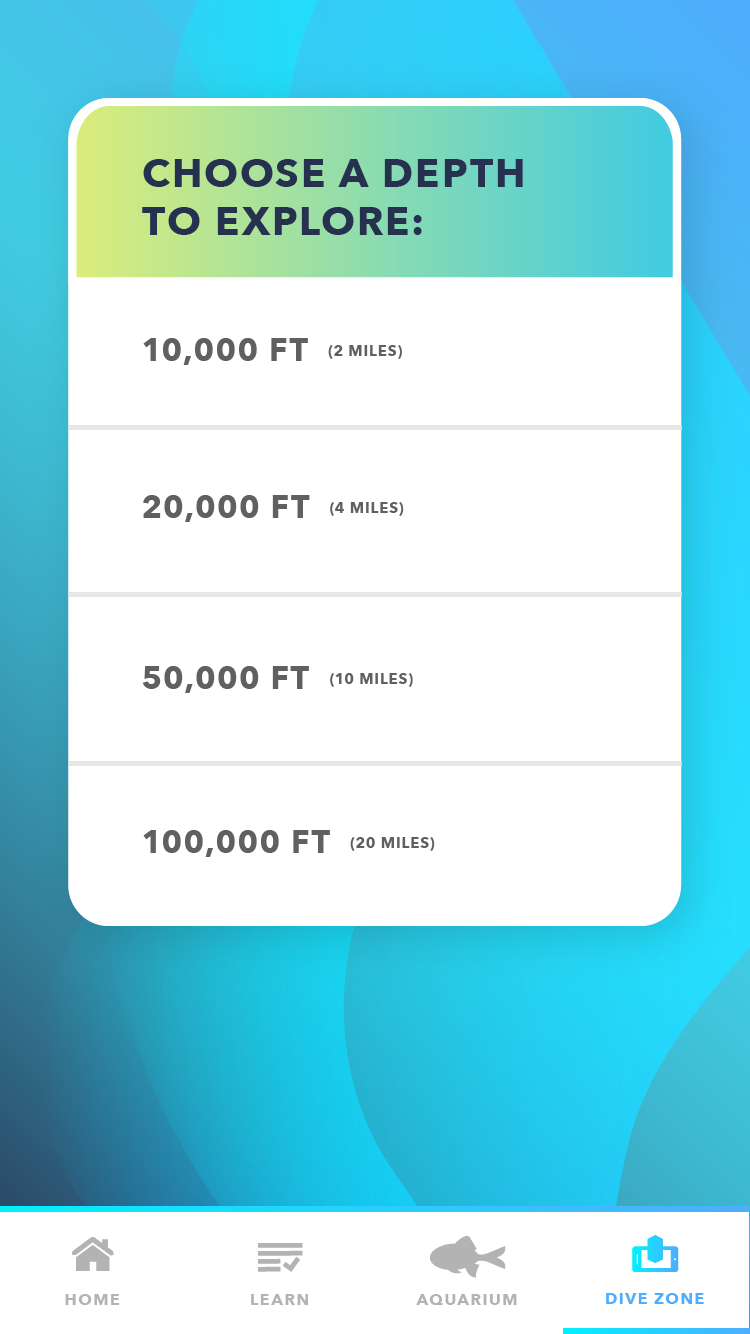
After completing the tutorial carousel, a user can choose the depth of the ocean they wish to dive at. Each depth holds different creatures that can be discovered, which is scientifically accurate to the actual depths that these creatures are found at in the ocean. Choosing a depth will send the user to the AR overlay, where an ocean filter will show over their phone and allow them to explore in AR. By finding and tapping on creatures in AR, users can unlock them and add them to their Aquarium.